Case study
MANJE
A nutrition coach's back office and her clients' app, on the web, on iPhone and on Android: personalised menus, with no diet and no calorie counting.
The project at a glance
- Client
- MANJE
- Sector
- Health and nutrition
- Platforms
- Web, iOS, Android
The need
What the client needed
MANJE offers online nutrition coaching, anywhere in France, with no diet and no calorie counting. A nutrition coach follows her clients: consultations, weigh-ins, weekly menus, advice for festive meals or holidays.
She needed a single tool to manage everything, from appointments to invoicing, and above all to put together menus suited to each client, quickly. And, for her clients, an app in MANJE's colours, on the web, on iPhone and on Android, where they find their menus, their shopping list, their weight curve and their appointments.
Our role
What we did
Maxime, an engineer at Web App Art, designed the app's screens and developed everything himself: the coach's back office, the clients' web app and the iOS and Android apps, built on the same code.
With
Talk (opens in a new tab) : the agency created MANJE's logo and visual identity, in yellow with thick black outlines. We carried it through into the app's screens.
- Designing the screens (UX/UI mock-ups), in MANJE's identity
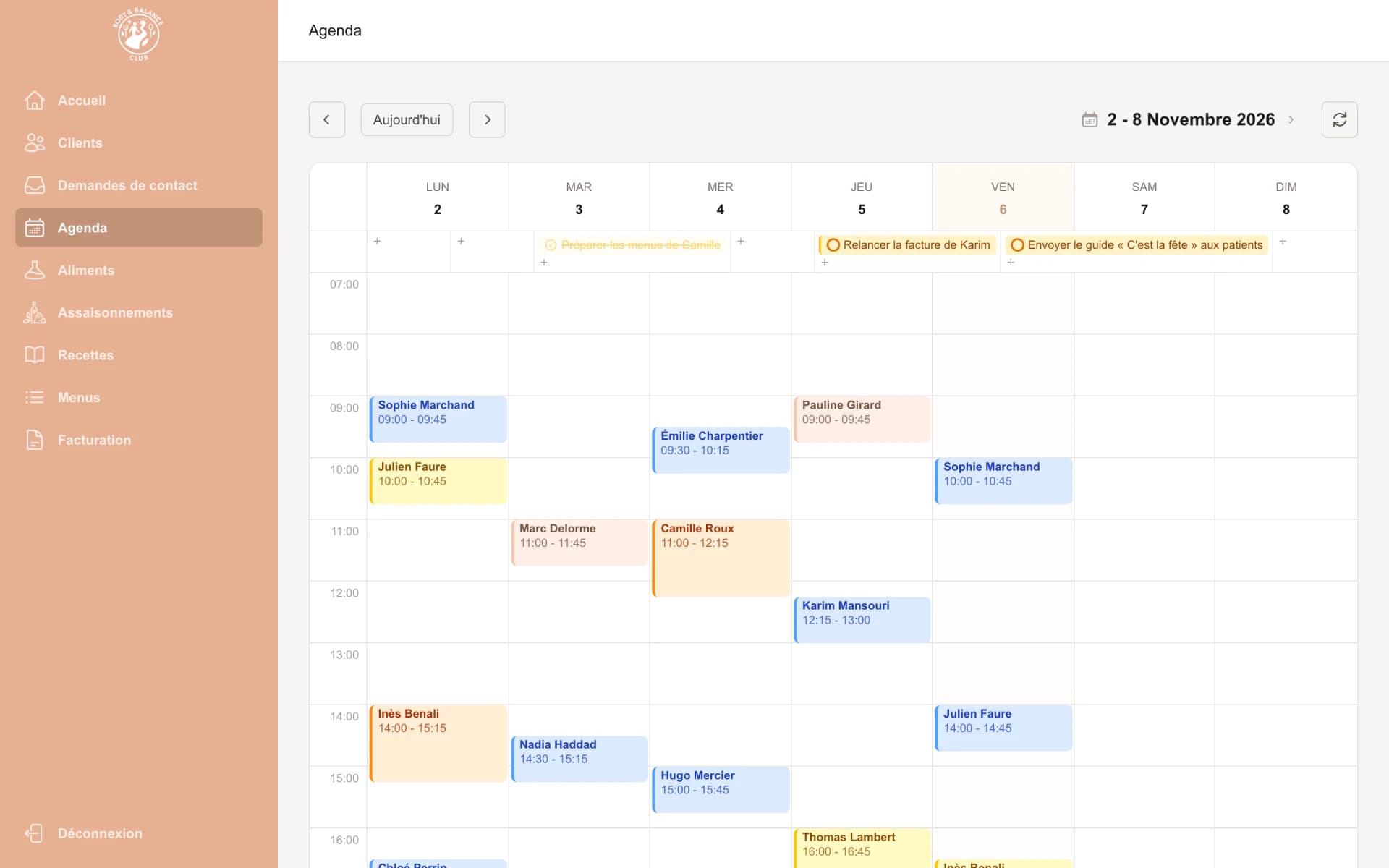
- The coach's back office: clients, client records, follow-up, calendar, tasks and contact requests
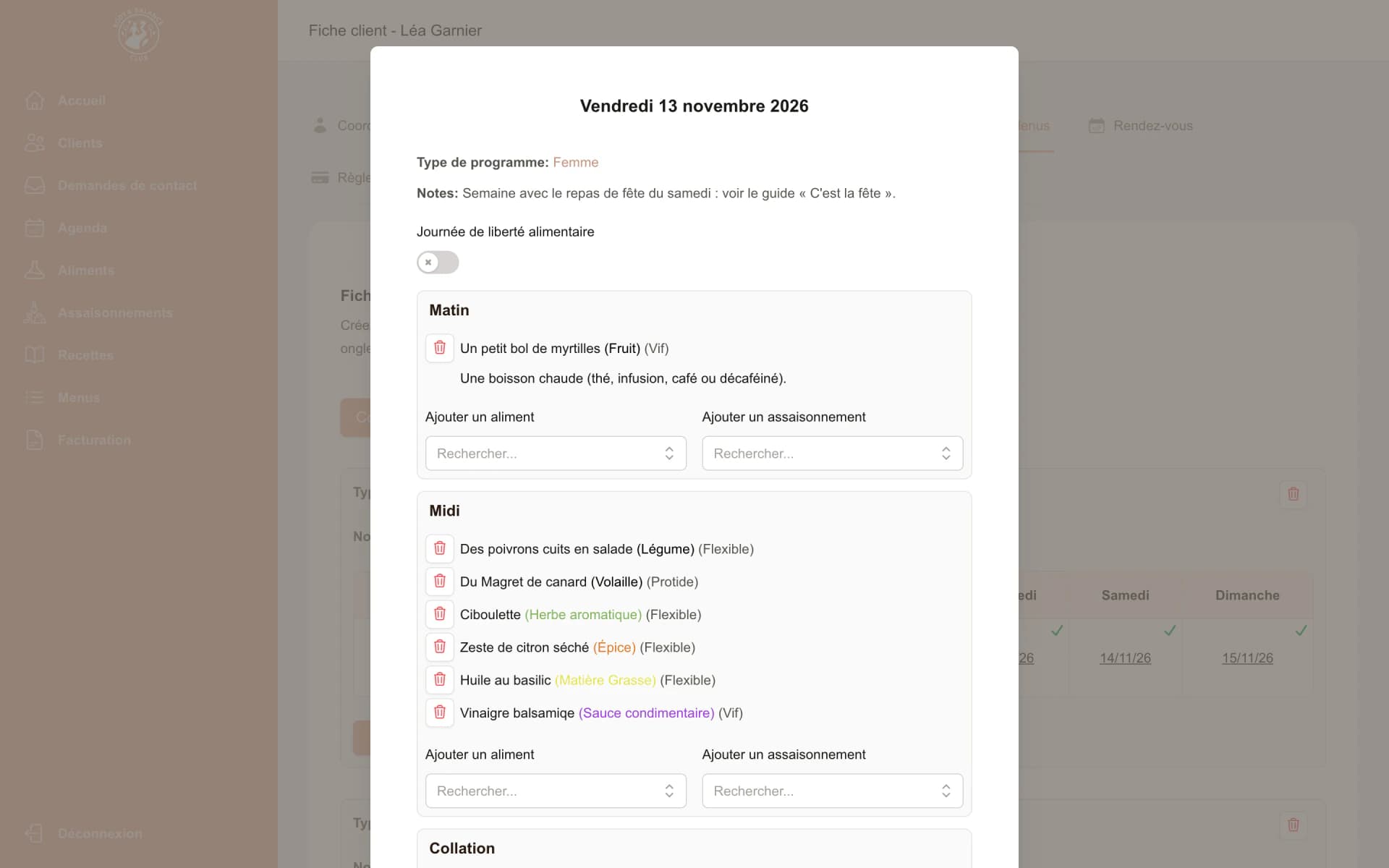
- Generating personalised menus, week by week, from a database of foods and seasonings
- Menus as PDFs, sent by email
- The clients' web app, in the browser
- The iOS and Android apps, built on the same code and published on the App Store and Google Play
- Invoicing with Stripe, online payment and reminders
- Calendar sync with Google Calendar, and push notifications
Features
Key features
Menus put together for each client
From the client's dietary framework and programme, the app puts together their menus week by week, using the foods and seasonings in the database. The coach then adjusts them day by day.
As a PDF, by email and in the app
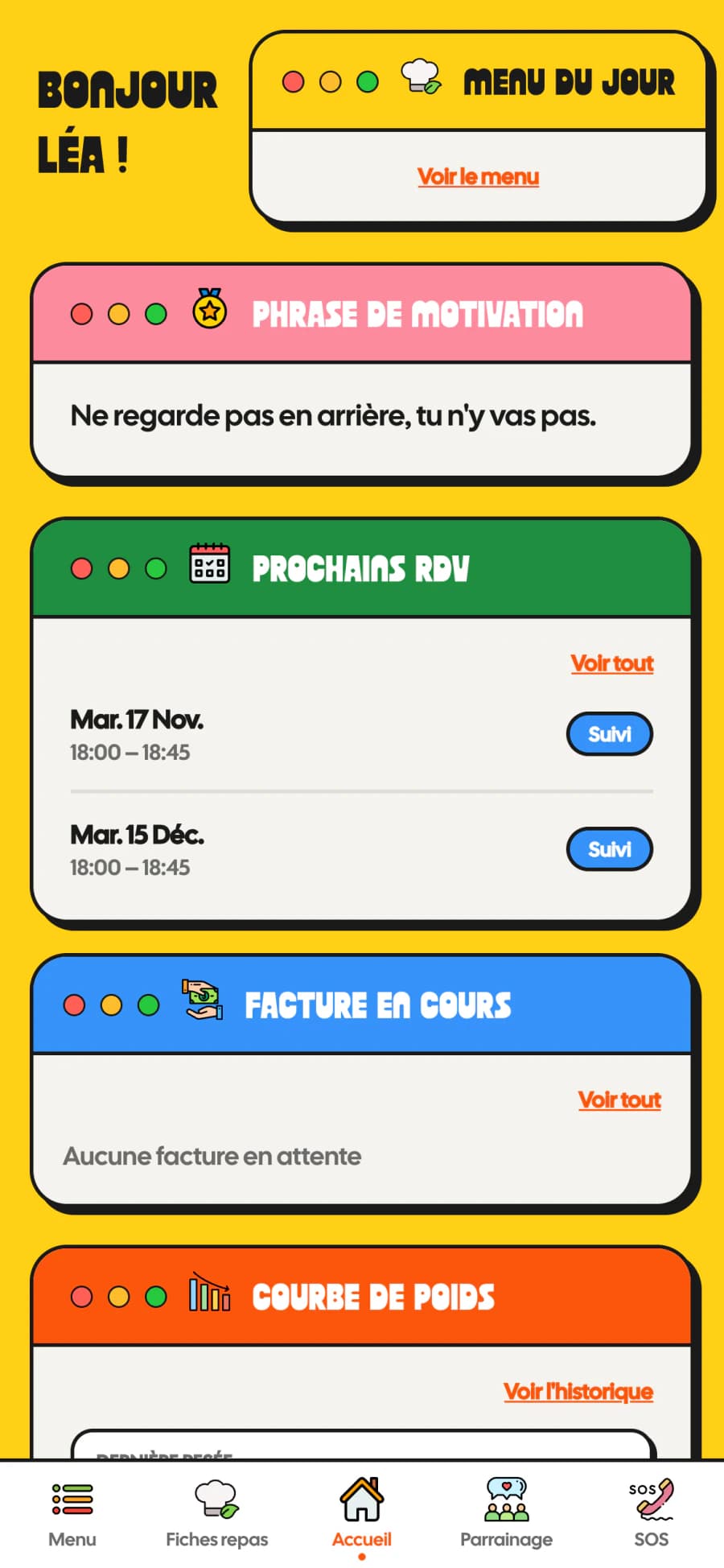
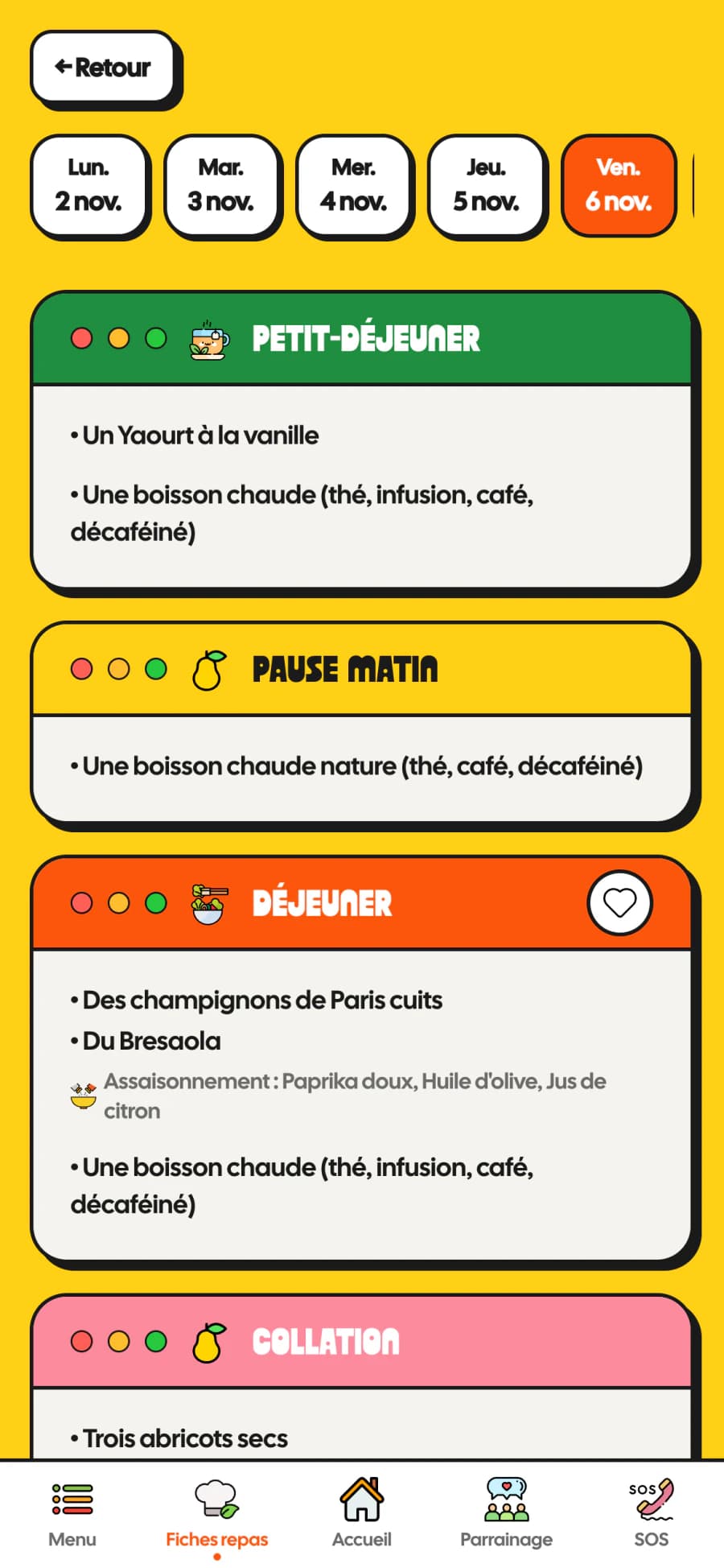
The week can be downloaded as a PDF, sent by email and shown in the client's app, meal by meal, with today's menu right on the home screen.
A ready-made shopping list
Drawn from the week's menu, it is sorted by aisle, and clients tick off what they have bought as they go.
Client follow-up
Weigh-ins, measurements and consultations are kept in the client record. Clients can also log their weight from the app and follow their weight curve.
The coach's calendar
The week's appointments and tasks, synced with Google Calendar. Clients see their upcoming appointments in the app.
Contact requests
Requests from prospective clients land in the back office, where the coach follows them up until the first appointment.
Invoicing
Invoices go through Stripe: clients pay them online from the app, and the coach chases pending ones in a click.
Advice guides and favourites
The coach sends practical guides, for a festive meal, the holidays or eating out. Clients find them in the app, along with their favourite meals.
On the web, iPhone and Android
A single app for clients, in the browser, on the App Store and on Google Play, with push notifications and referrals.
Screens
The project on screen
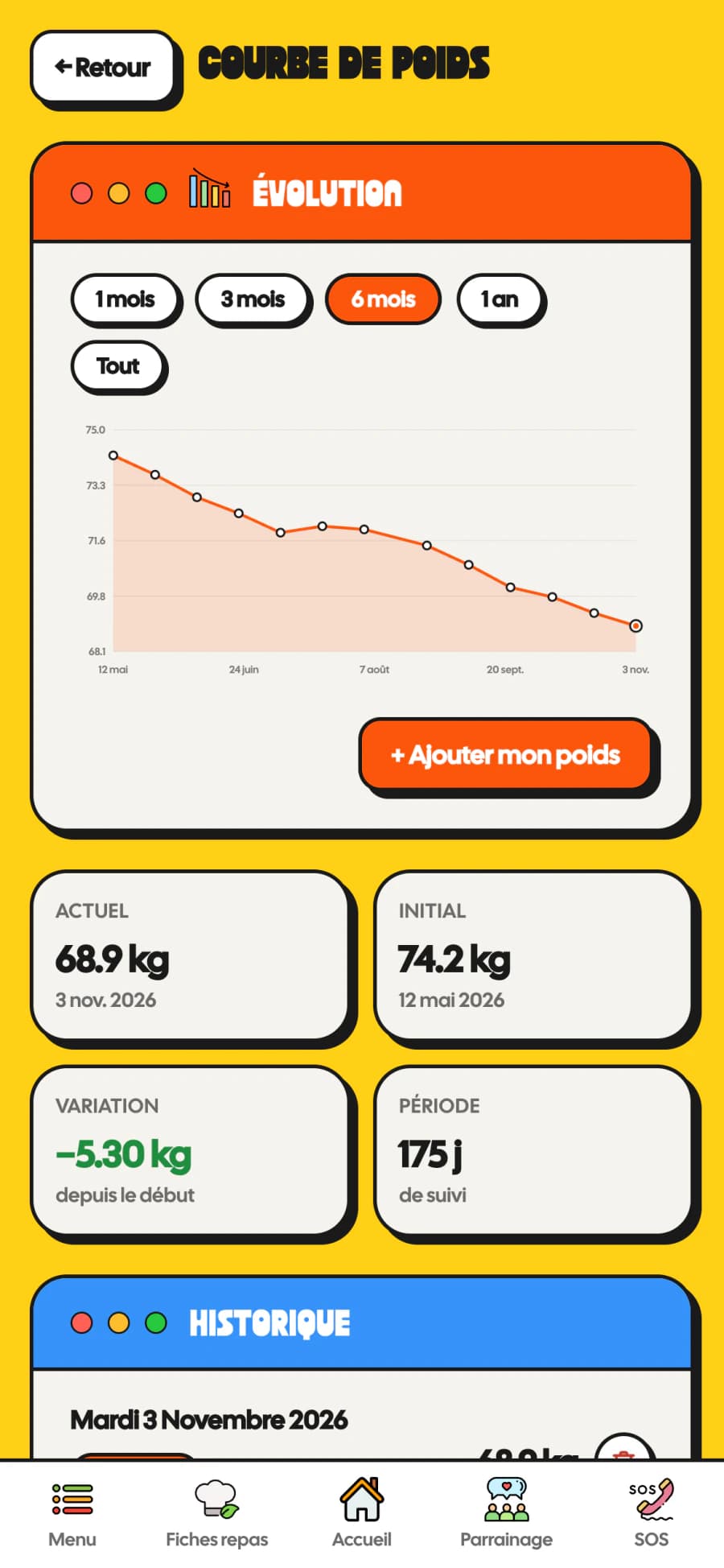
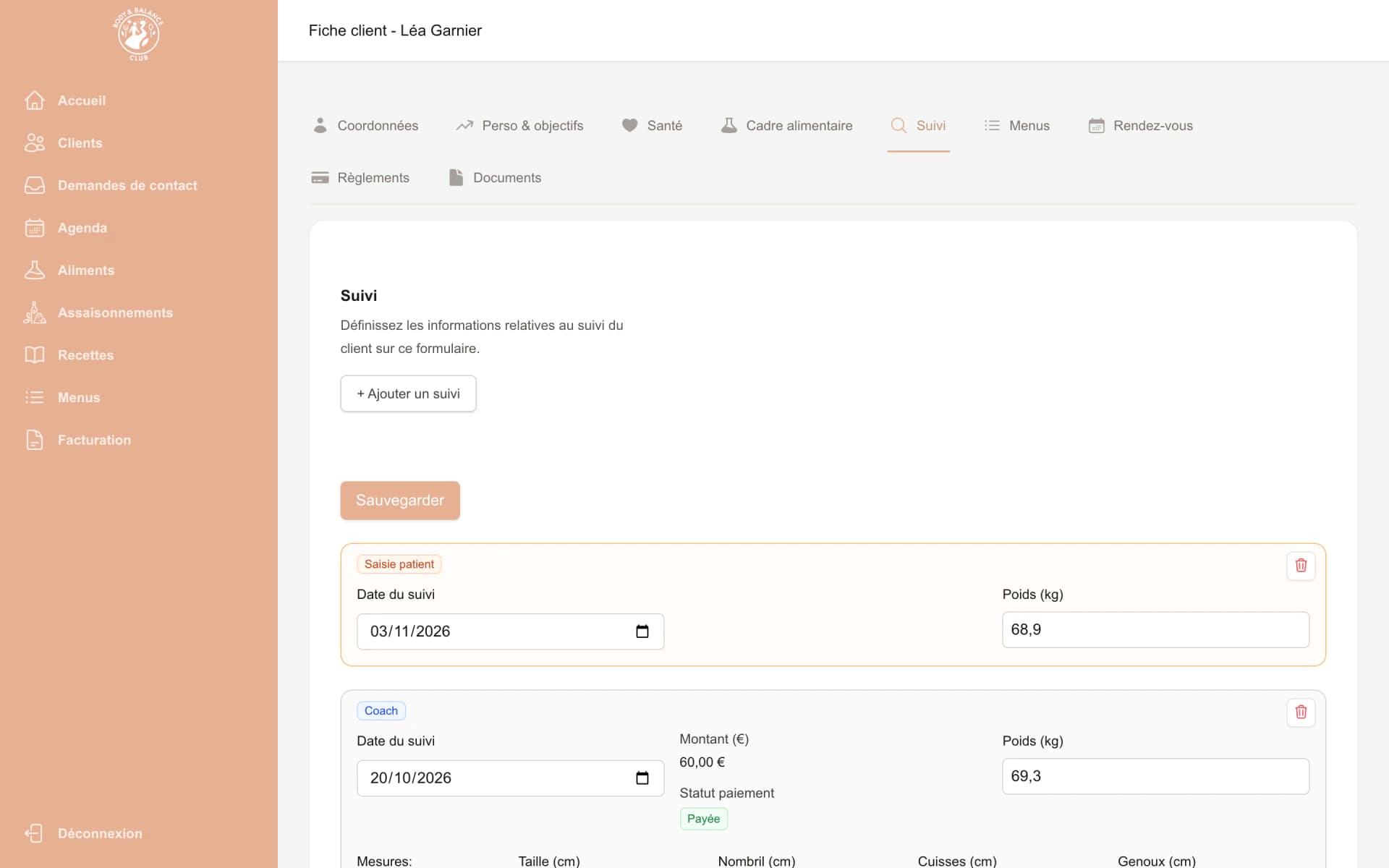
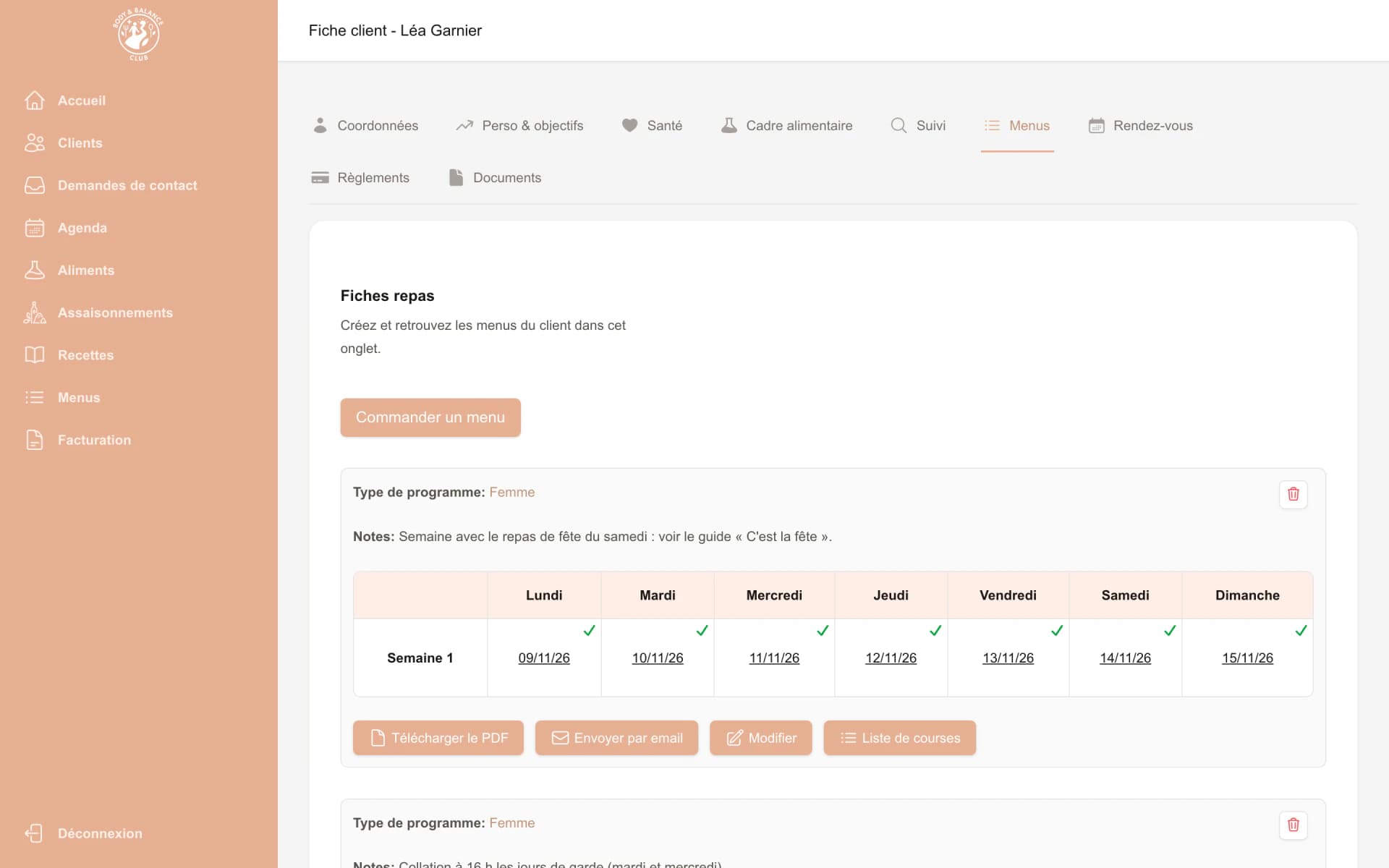
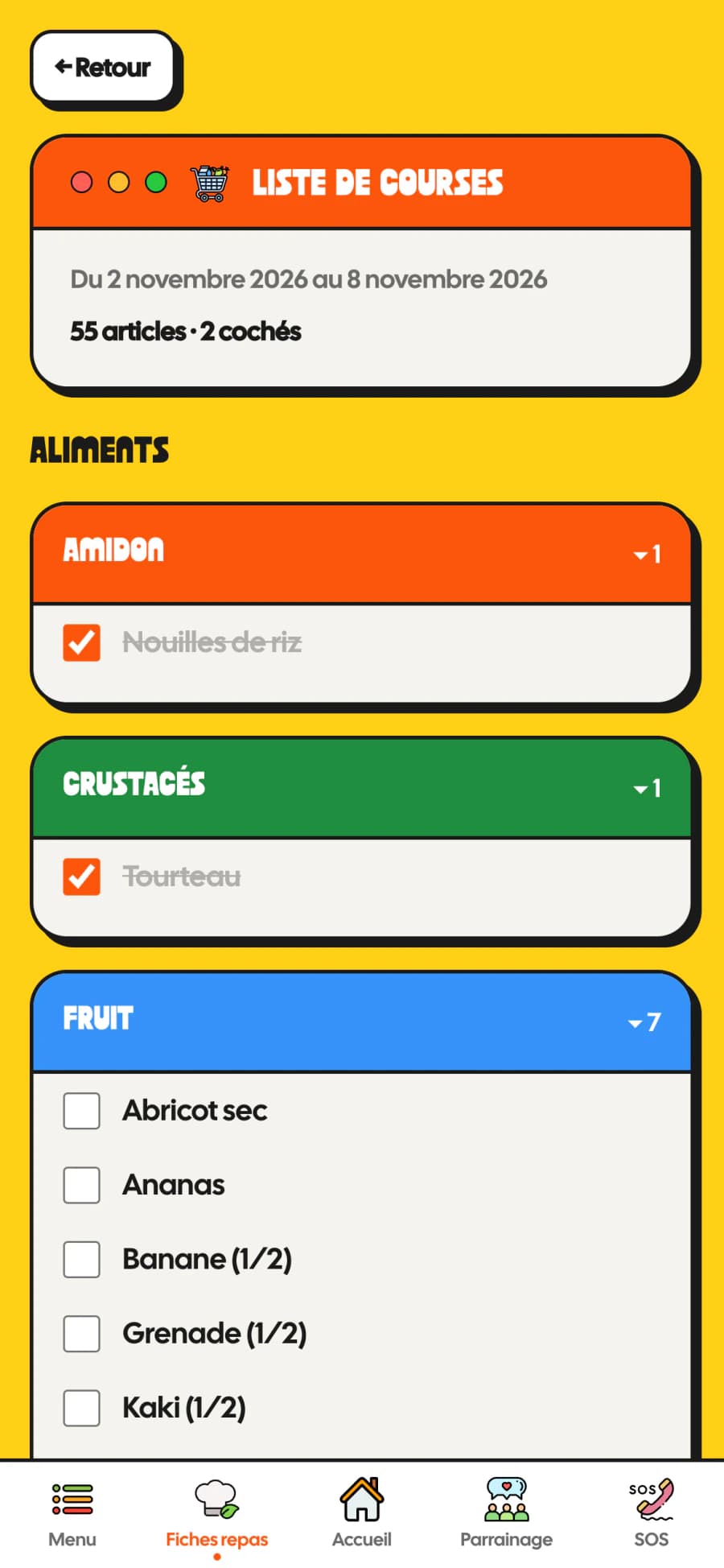
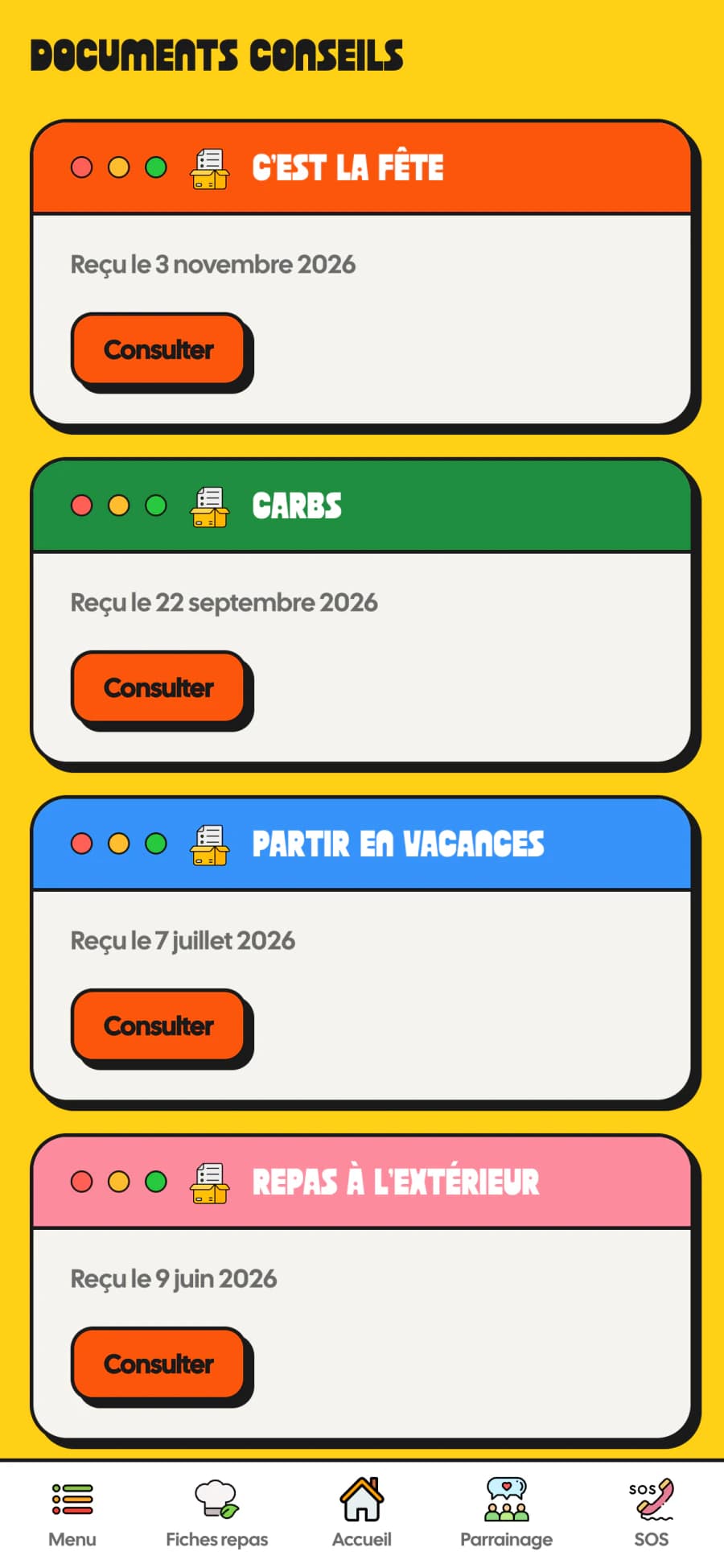
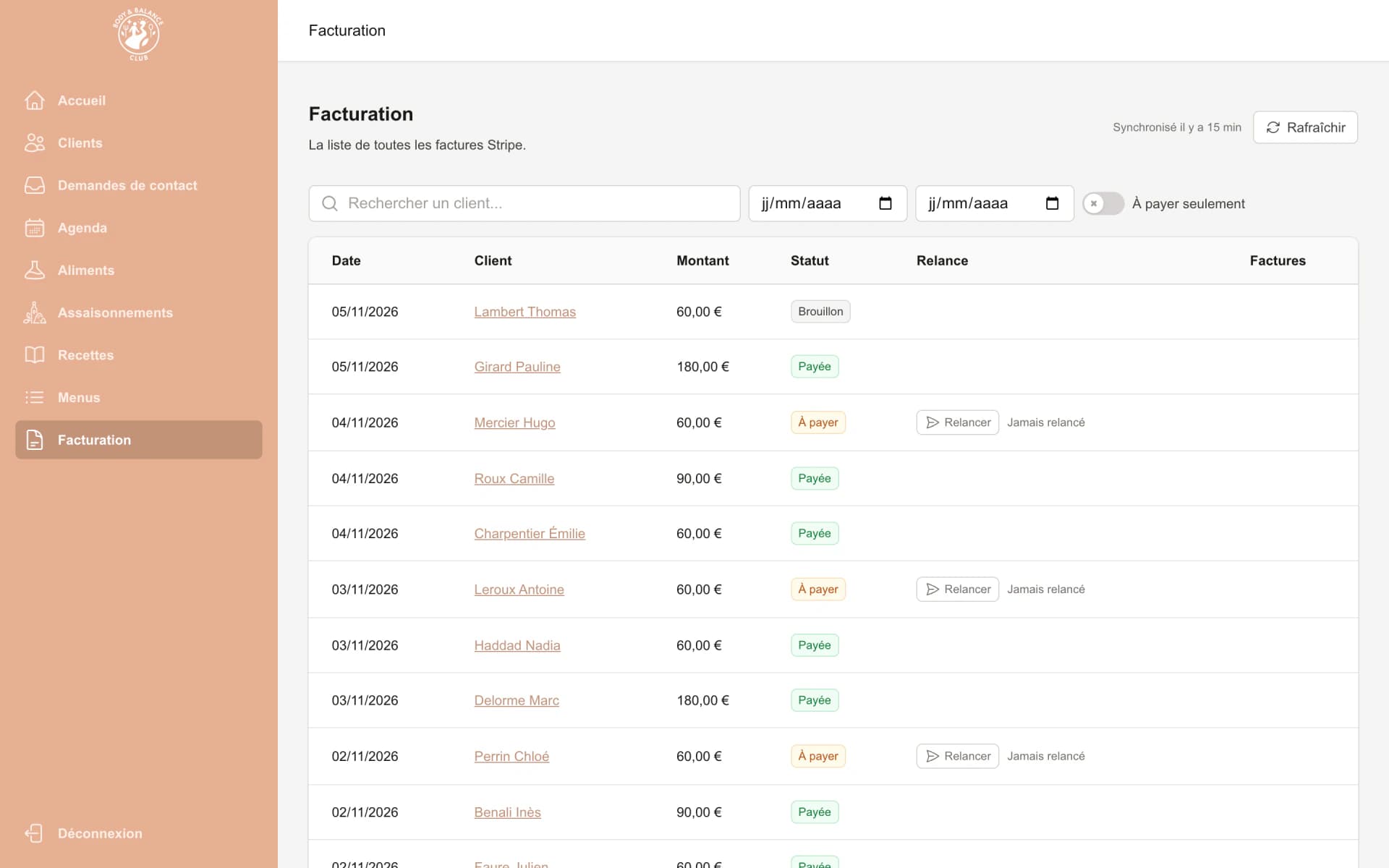
Screenshots taken with fictitious demo data.
Technologies
Technologies used
- Next.js
- React
- TypeScript
- Tailwind CSS
- MongoDB
- Capacitor
- Stripe
- Resend
- Firebase Cloud Messaging
- Google Calendar

Have an app project?
Tell us what you need: we will get back to you to set up a first meeting, with no commitment.