Case study · in-house product
Artlight
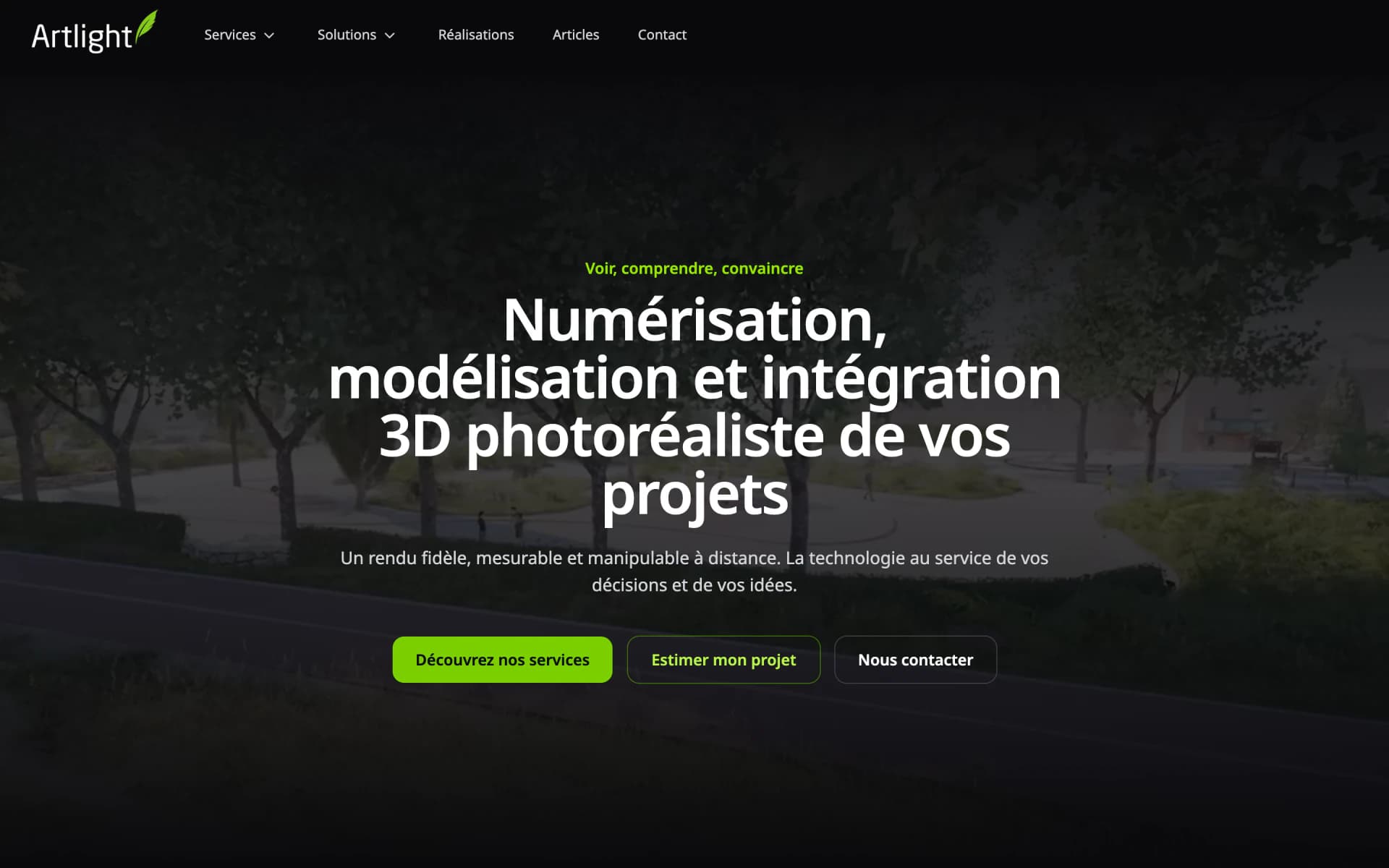
The artlight.fr website, the CRM that runs the company, a viewer that displays 3D scans in the browser and the team's mobile app: a software ecosystem we designed, developed and host ourselves.
The project at a glance
- Publisher
- Artlight
- Sector
- 3D building scanning
- Platforms
- Web, iOS, Android
- Our role
- Visual design, architecture, development and hosting of the whole ecosystem
- Hosting
- Scaleway, in France
Where it started
Why this product exists
Artlight is the company behind the Web App Art brand. Alongside software engineering, it runs a 3D building scanning business: surveys, plans, virtual tours. That business is presented on artlight.fr; this page is about the software that runs it.
A survey job goes through many hands and files: the request comes in through the website, the quote goes out, the team goes on site, contractors produce part of the deliverables, the client downloads files of several gigabytes or a 3D tour, then the invoice is followed through to payment.
Rather than splitting that journey across tools that do not talk to each other, we built a single system: a website, a CRM, portals and a mobile app that share the same database. And we use it every day: it is our own production.
The product
What we built
Maxime, an engineer at Web App Art, designed and developed all of it: the visual design, the architecture, the code and the production setup. The apps live in a single repository, share the same database and deploy with no downtime, with Scaleway.
- The artlight.fr website, with its online price estimate
- The internal CRM: clients, jobs, scheduling, tasks, subcontracting and finances
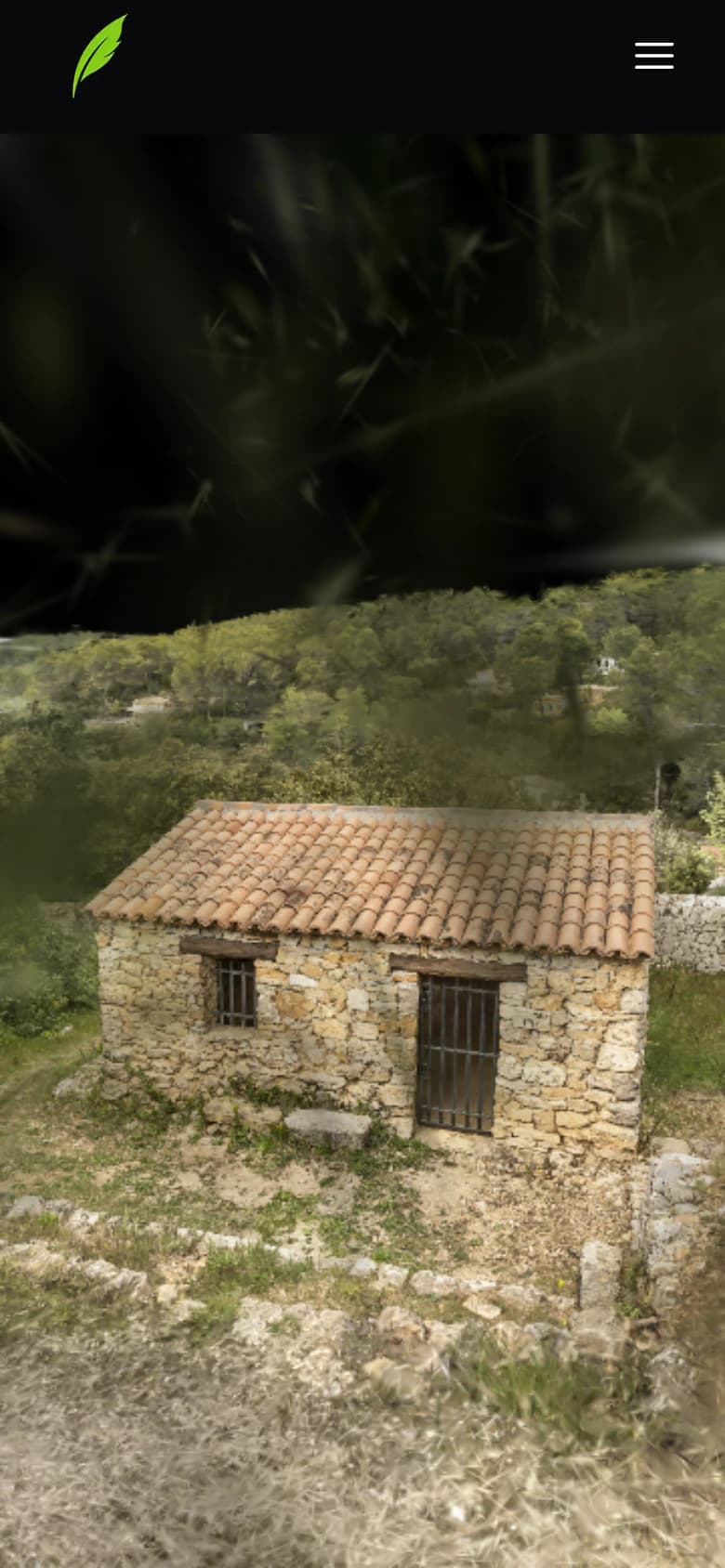
- The 3D scene viewer, adapted from the open-source SuperSplat viewer
- The object viewer: measurements, sections and exports for CAD
- The CRM's mobile app, for iPhone and Android, installed on the team's phones without going through the app stores
- The client portal, the contractor portal and the large file transfer platform
- An MCP connector that links the CRM to an AI assistant
- Hosting with Scaleway, zero-downtime deployment and encrypted nightly backups
Features
Key features
A price shown before contact details
On artlight.fr, visitors describe what they need and the property, and immediately get a price range, travel included. Their request is saved in the database the CRM reads.
3D scans in the browser
Scenes of several gigabytes, loaded by level of detail and rendered with WebGPU, can be explored from a plain browser, on a computer or a phone. A private scene is only served once its password has been checked on the server.
A job followed end to end
From first contact to payment: a client pipeline, a tabbed job page, time tracking, reminders, a shared schedule linked to Google Calendar, and search statistics collected every night.
From scanned part to dimensioned drawing
The object viewer recognises the flat faces and cylinders of a scanned part, derives a reference frame, measurements and sections from them, then exports the section or silhouette as DXF, SVG or PDF, and the mesh as STL, for CAD.
The company's finances
Expenses classified from bank transactions, read without ever writing anything back, VAT forecast, payment schedule, purchases, expense reports and mileage allowances.
An app for the field
The day, tasks, schedule and messages; annotated site photos, sent even with no signal; Face ID or fingerprint to open, and notifications sent by the CRM itself, with no third-party service. It is for the team only, installed on our phones without going through the app stores.
Walled-off portals
A client portal (projects, quotes, invoices, deliverables, card payment), a contractor portal and a no-account file download page. Each one has its own database access, which only sees what it should.
Large files, for people without an account
A public page where a third party without an account, a client's architect or an inspection office, collects the large files sent to them, without going through an outside transfer service.
A CRM that talks to AI
An MCP connector, secured with OAuth, lets an AI assistant read the CRM to produce reports. It only writes within a few chosen areas, such as tickets, tasks or messages to contractors.
Screens
The project on screen
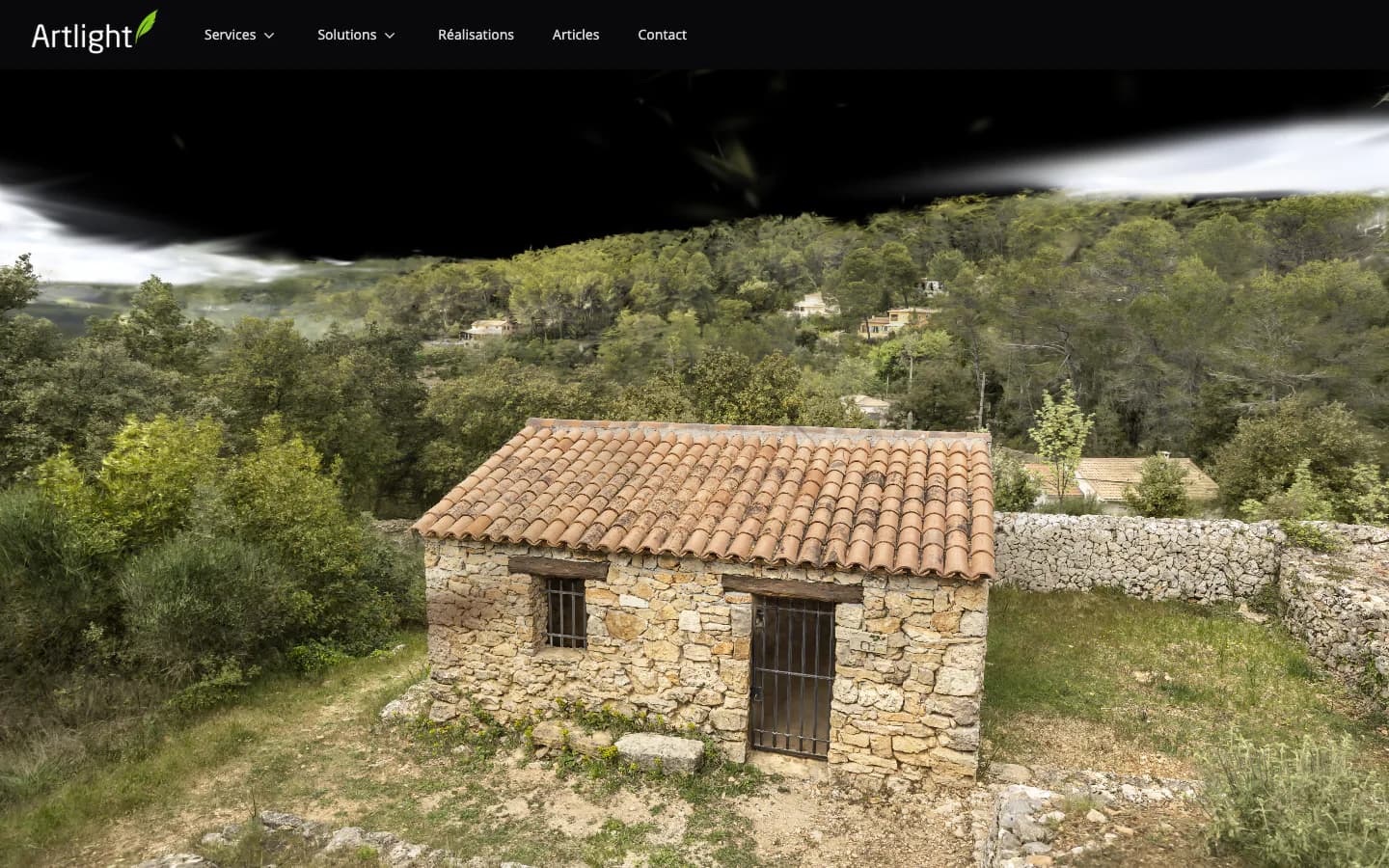
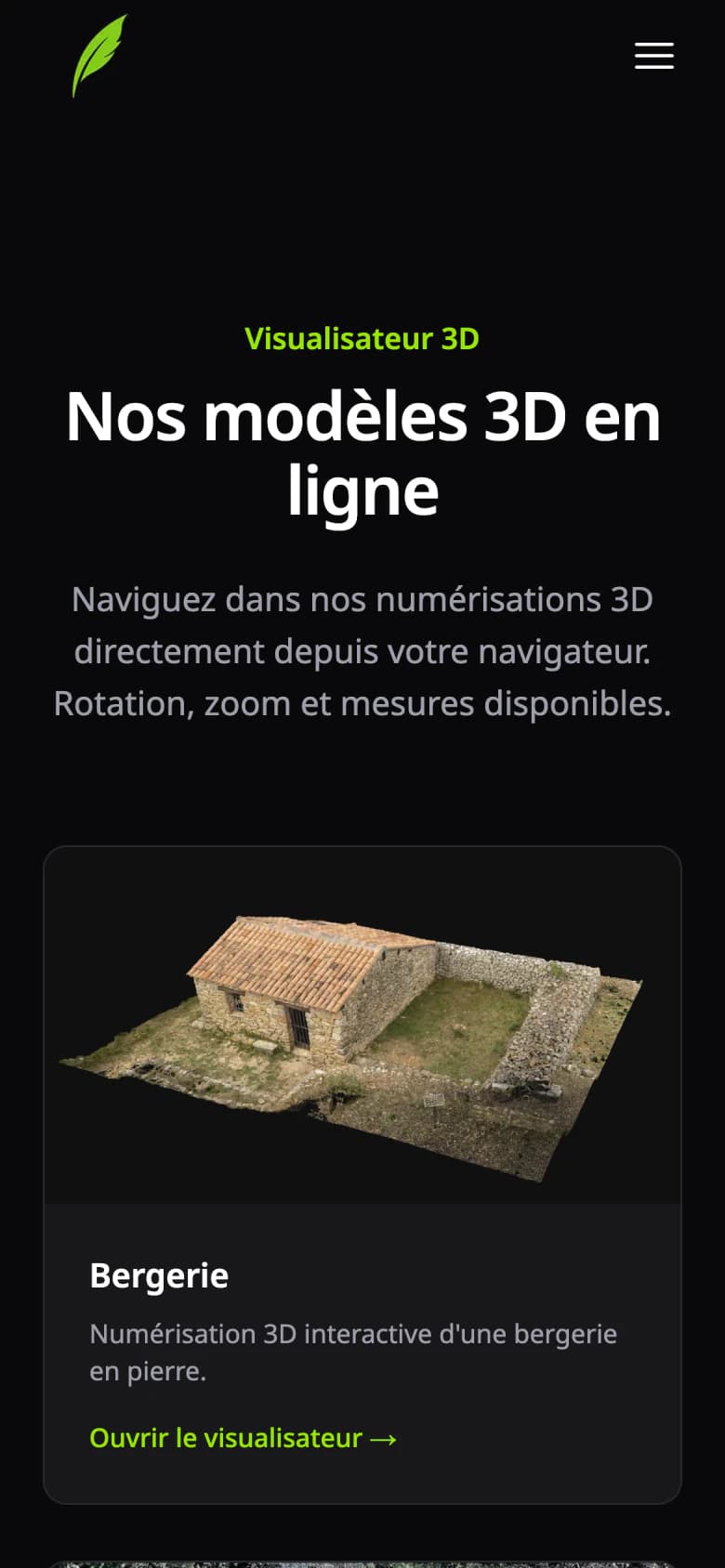
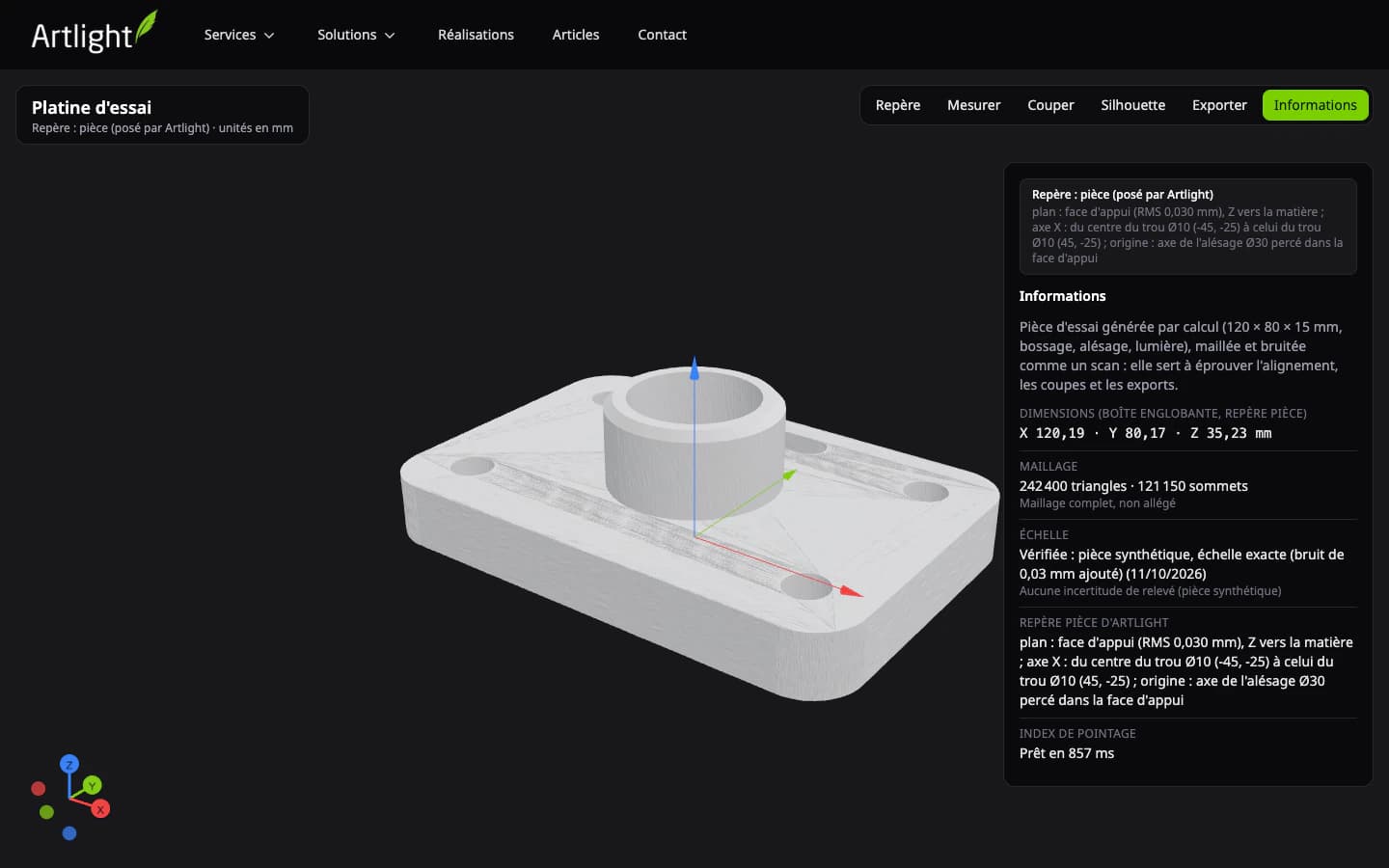
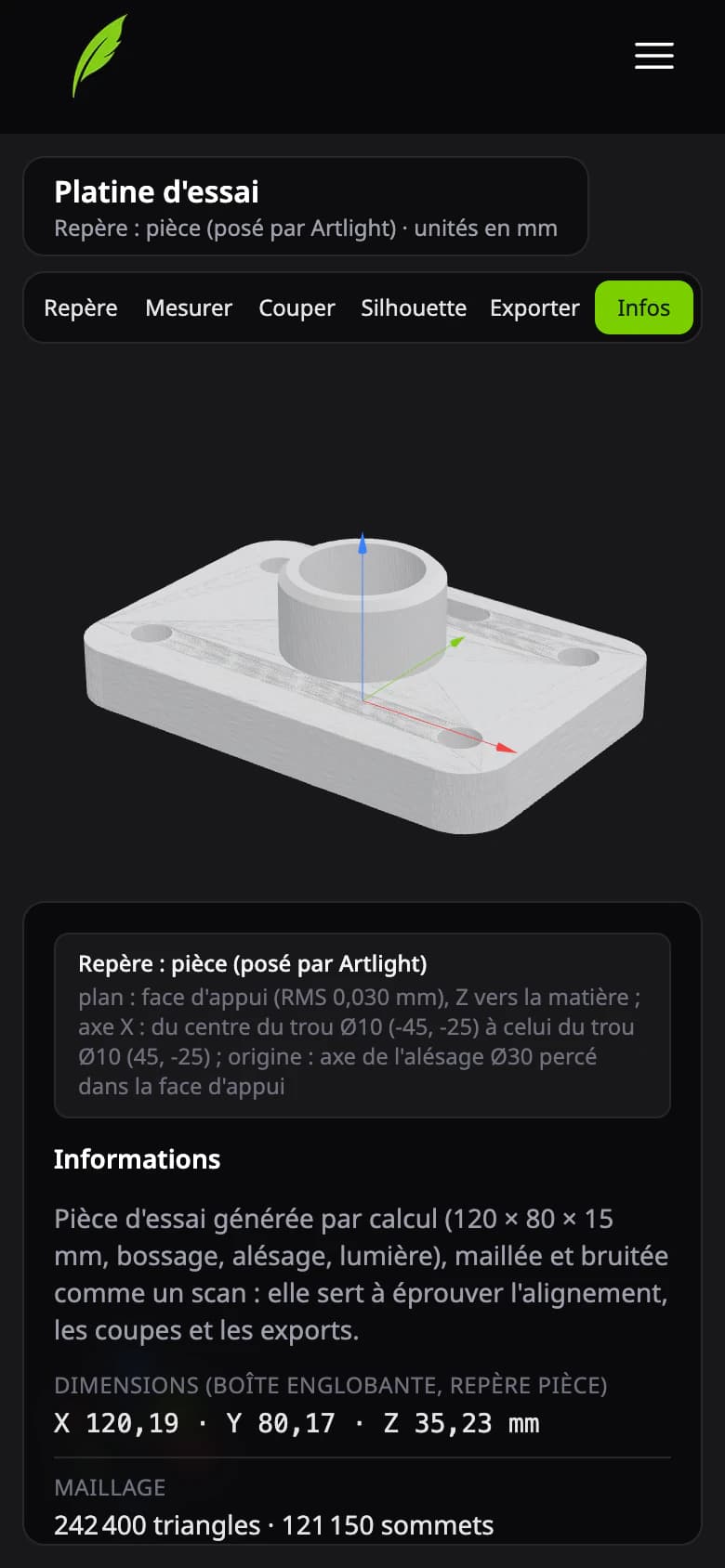
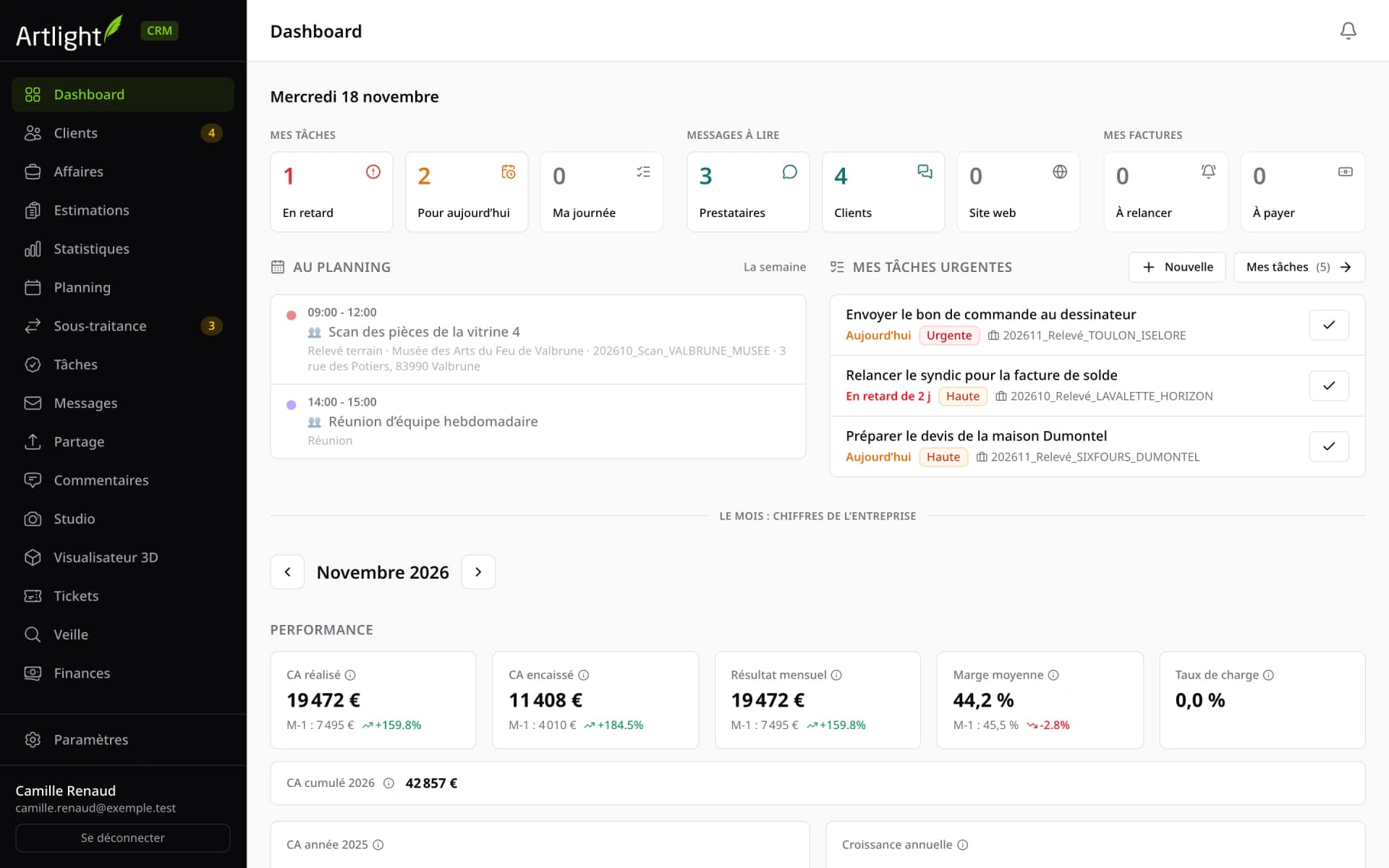
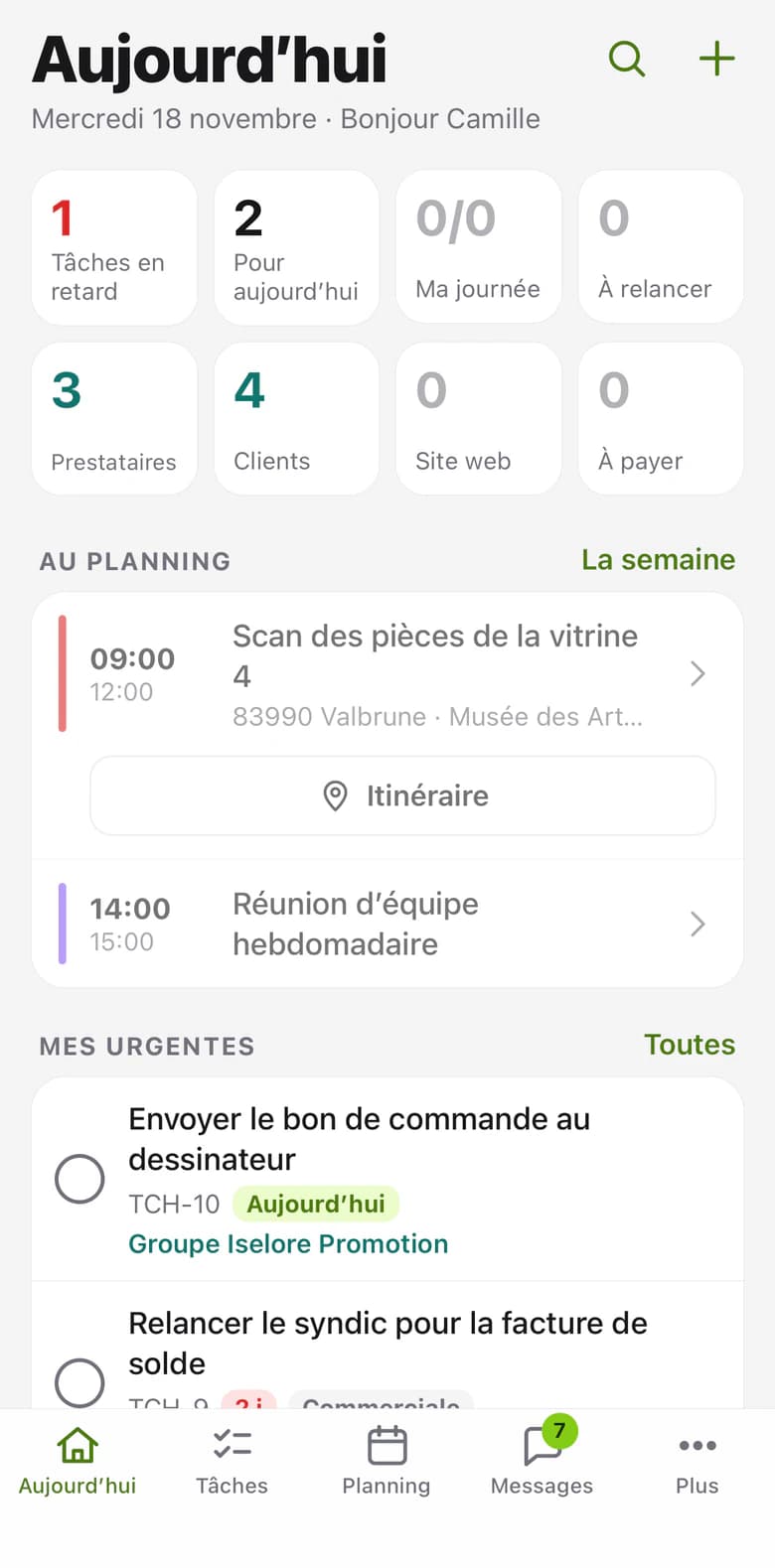
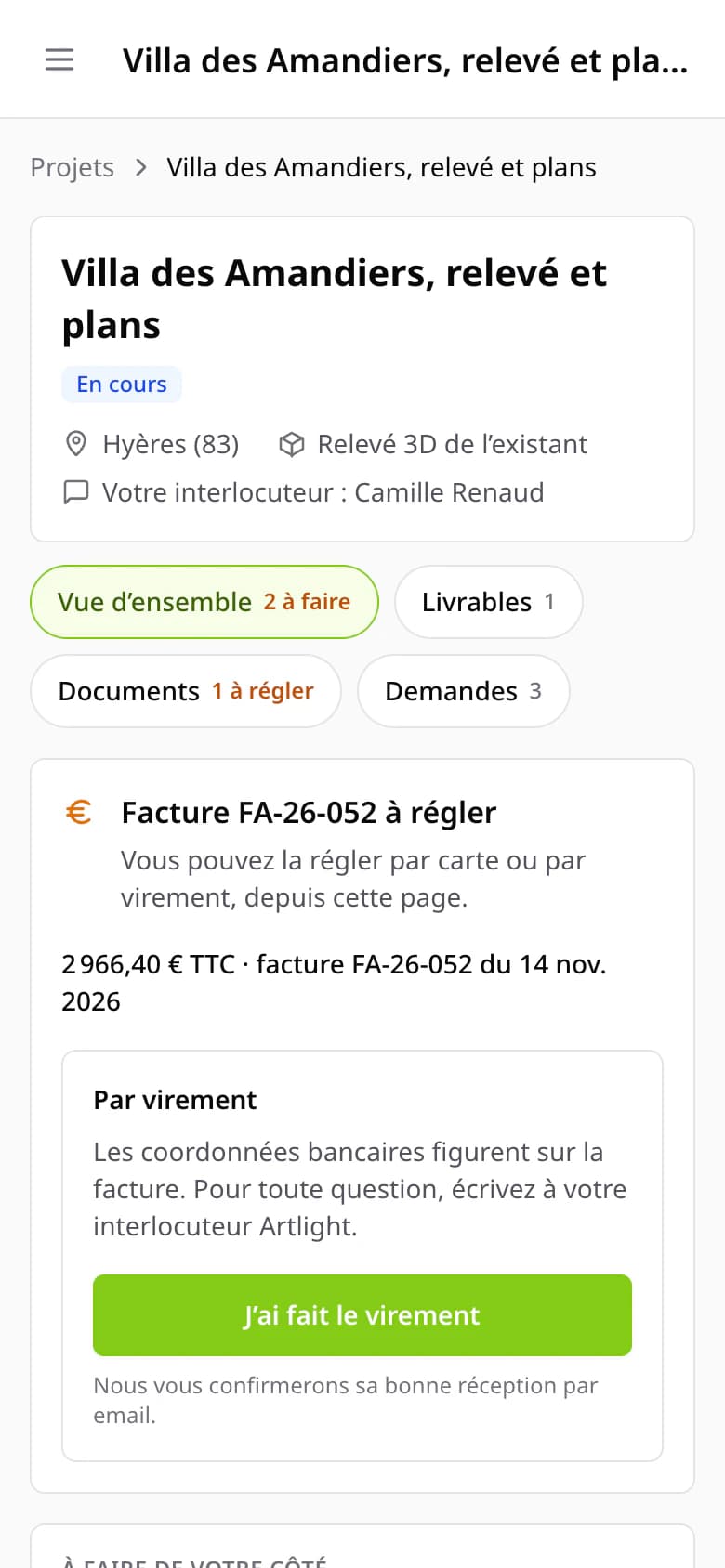
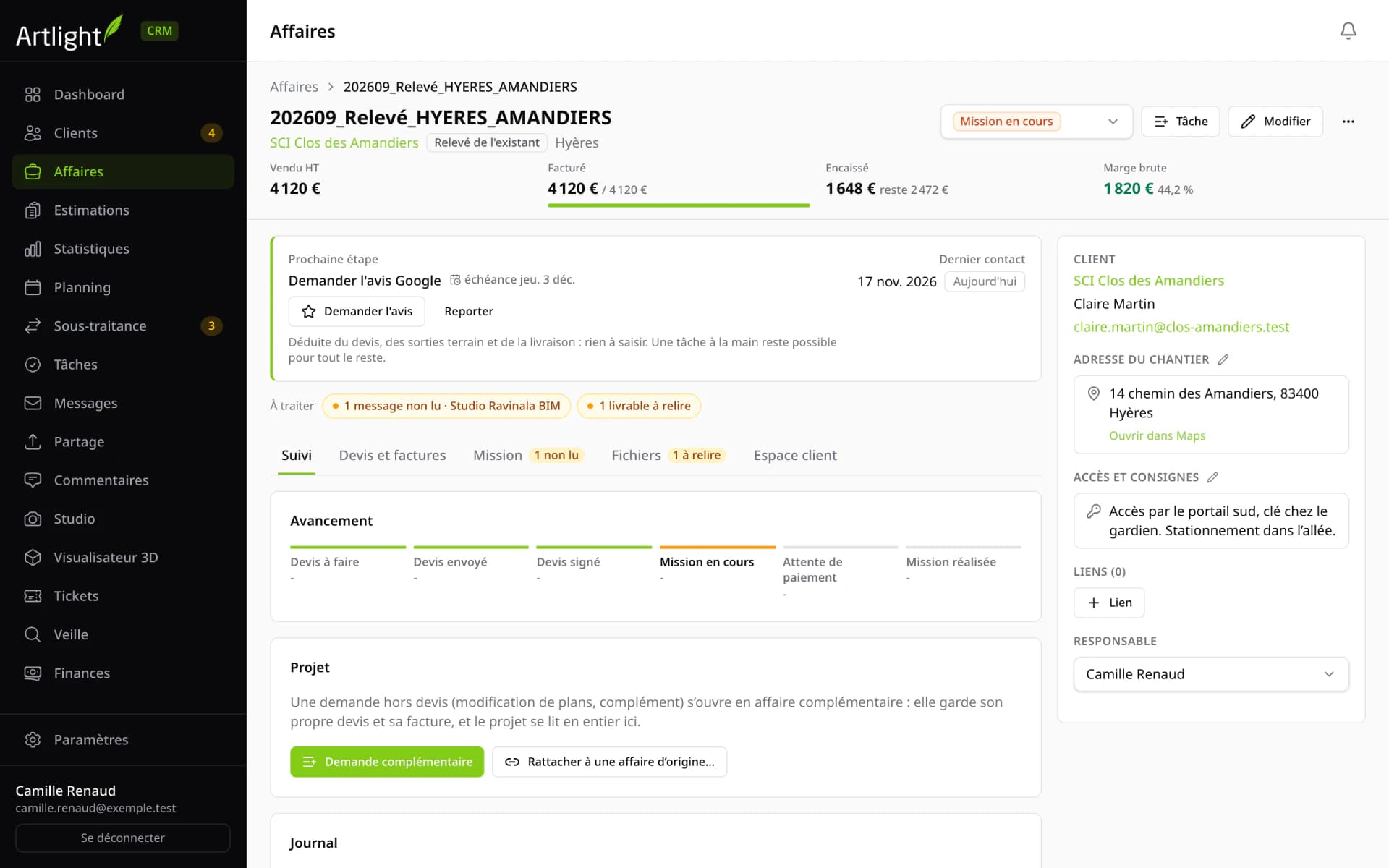
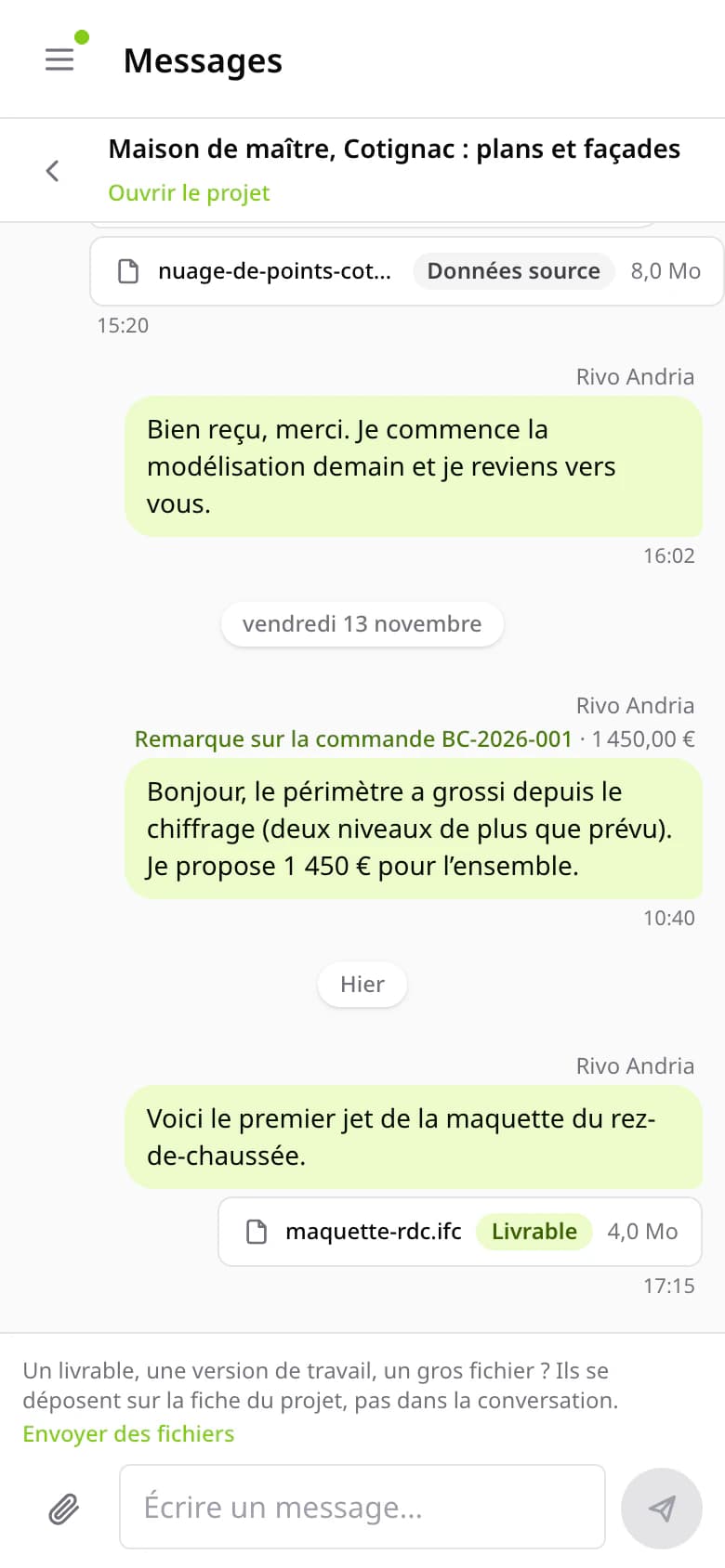
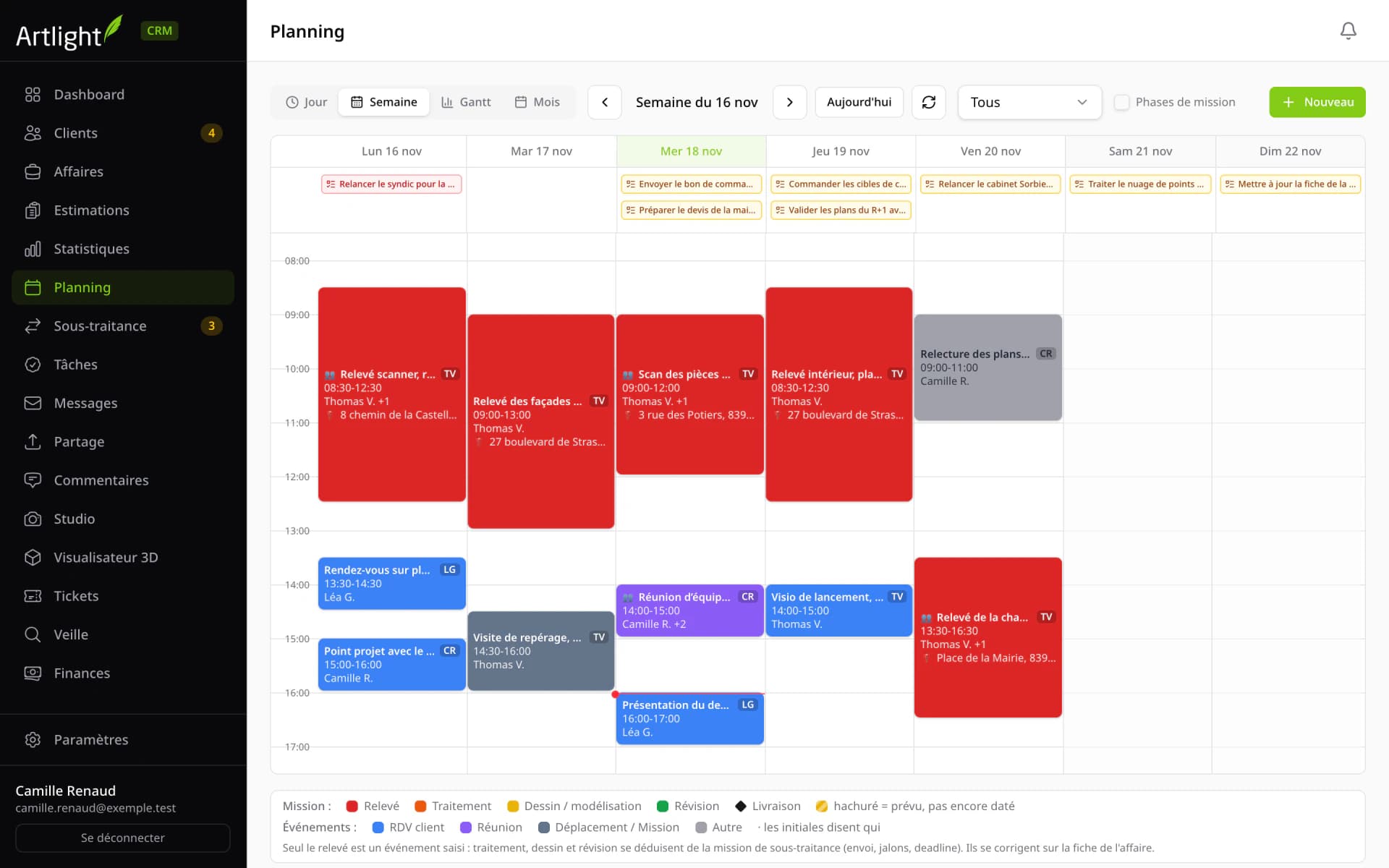
The public artlight.fr pages are screenshots of the live site. The CRM, mobile app and portal screens show fictitious data: invented companies, people and amounts.
Technologies
Technologies used
- Next.js
- React
- TypeScript
- Tailwind CSS
- Prisma
- PostgreSQL
- Turborepo
- React Native
- Expo
- PlayCanvas
- Three.js
- WebGPU
- WebAuthn
- MCP
- Stripe
- Docker
- Scaleway
Have an app project?
Tell us what you need: we will get back to you to set up a first meeting, with no commitment.